

Getting Started
Welcome to Stow
Stow is a local-first, offline music player for iPhone. Your files stay on your device — no accounts, no cloud library.
Introduction
Stow is a local-first music player for iPhone. You bring your own files — music, podcasts, audiobooks, and personal archives — and Stow keeps them organized and playable offline.
No streaming subscription. No cloud music library. No account required.
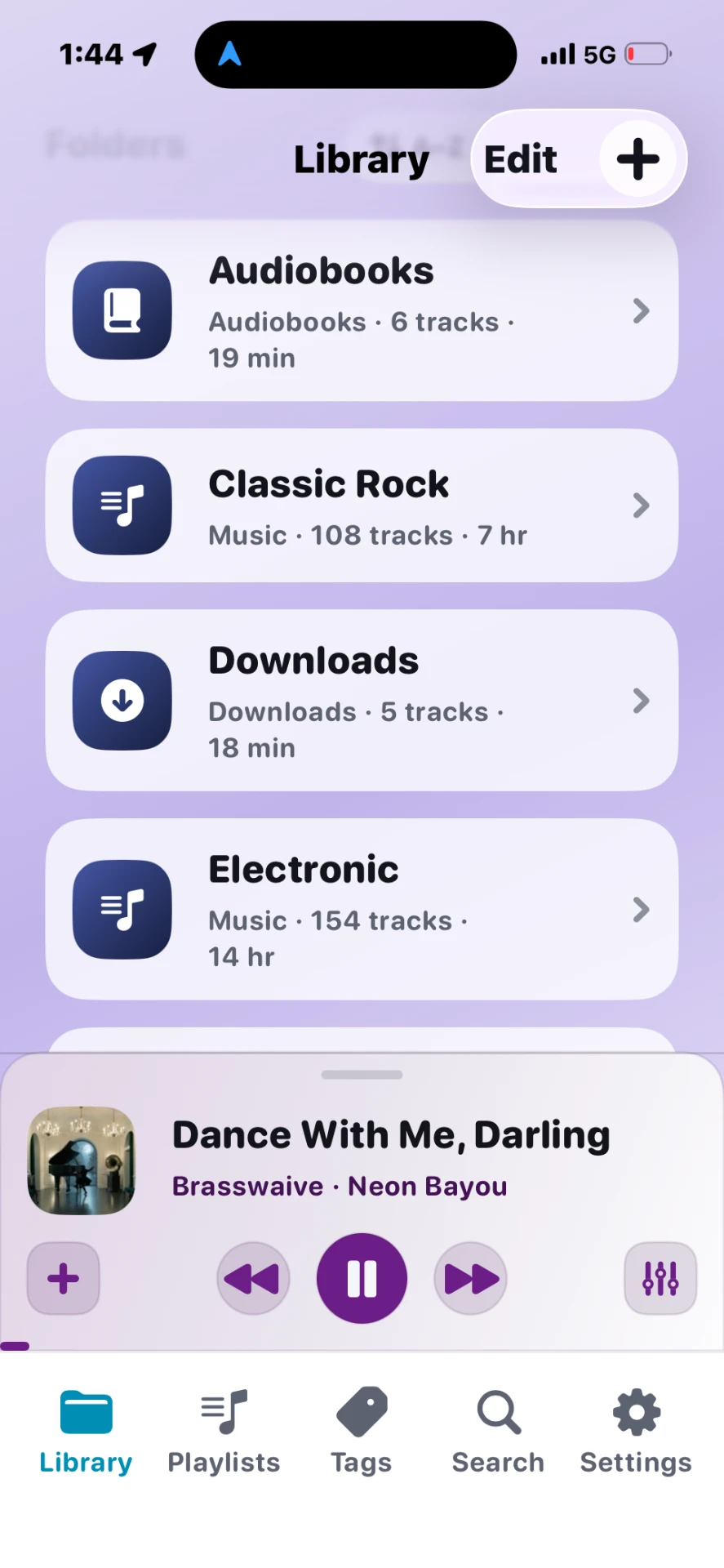
What Stow does
- Imports audio from the Files app, AirDrop, and Wi-Fi Transfer
- Preserves your folder structure on iPhone
- Plays in the background, on the lock screen, in CarPlay, and with widgets
- Organizes with folders, playlists, and tags
Your first five minutes
- Open Stow and browse the Library tab.
- Tap Transfers → Import to add your first files.
- Find them in Library → open a folder → tap a track to play.
- Swipe up on the mini player for full Now Playing controls.
Tips
- Keep the same folders on your computer that you want on iPhone — Stow mirrors that structure.
- Large libraries import best over Wi-Fi Transfer from a Mac or PC.
- Pin your most-used folders on Library home for one-tap access.