

Getting Started
Organizing your library
Use folders, playlists, and tags to shape your library the way you listen.
Introduction
Stow is built around how you already organize files. You don't need to rebuild your collection inside a streaming-style catalog.
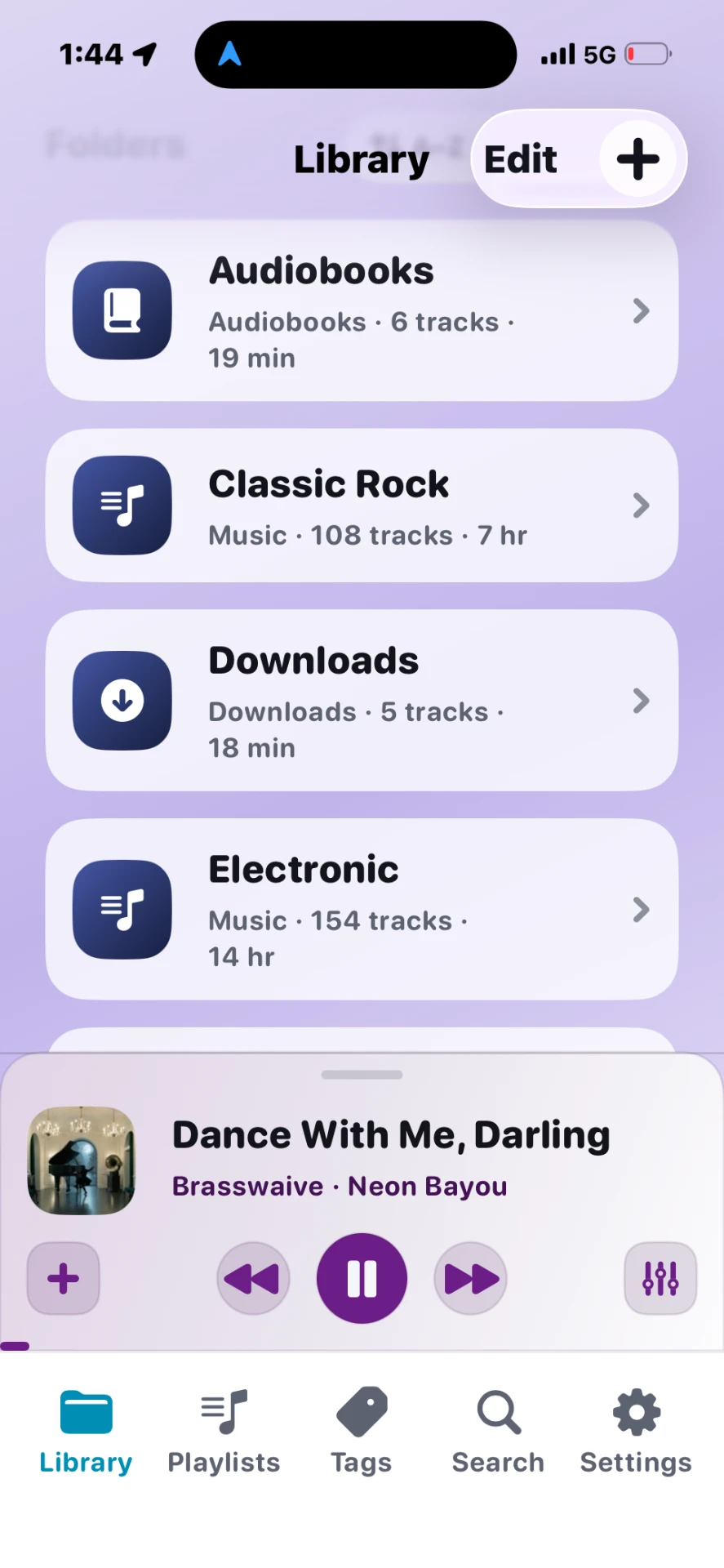
Steps
- Folders — Browse nested paths like
Music/Artist/Album. Subfolders from imports are preserved. - Pin folders — Long-press a folder → Pin to show it on Library home.
- Playlists — Tap Playlists → + to build a custom set without moving files.
- Tags — Label tracks (e.g. Workout, Focus) and browse by tag.
- Search — Find tracks by title, artist, album, or folder path.
Tips
- Folders are for structure; playlists are for sessions; tags are for cross-cutting themes.
- Tag playlists update automatically when you add or remove that tag from tracks.
- Move to folder (track actions) reorganizes without re-importing.