

CarPlay
CarPlay browsing
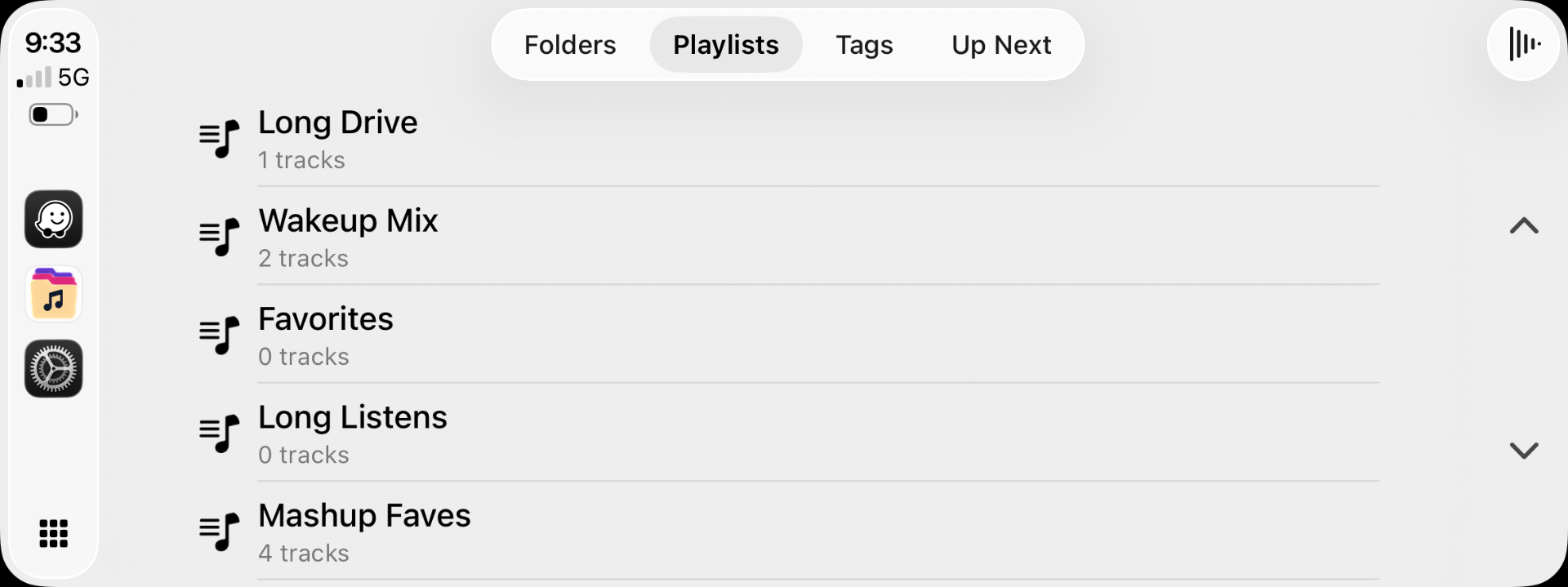
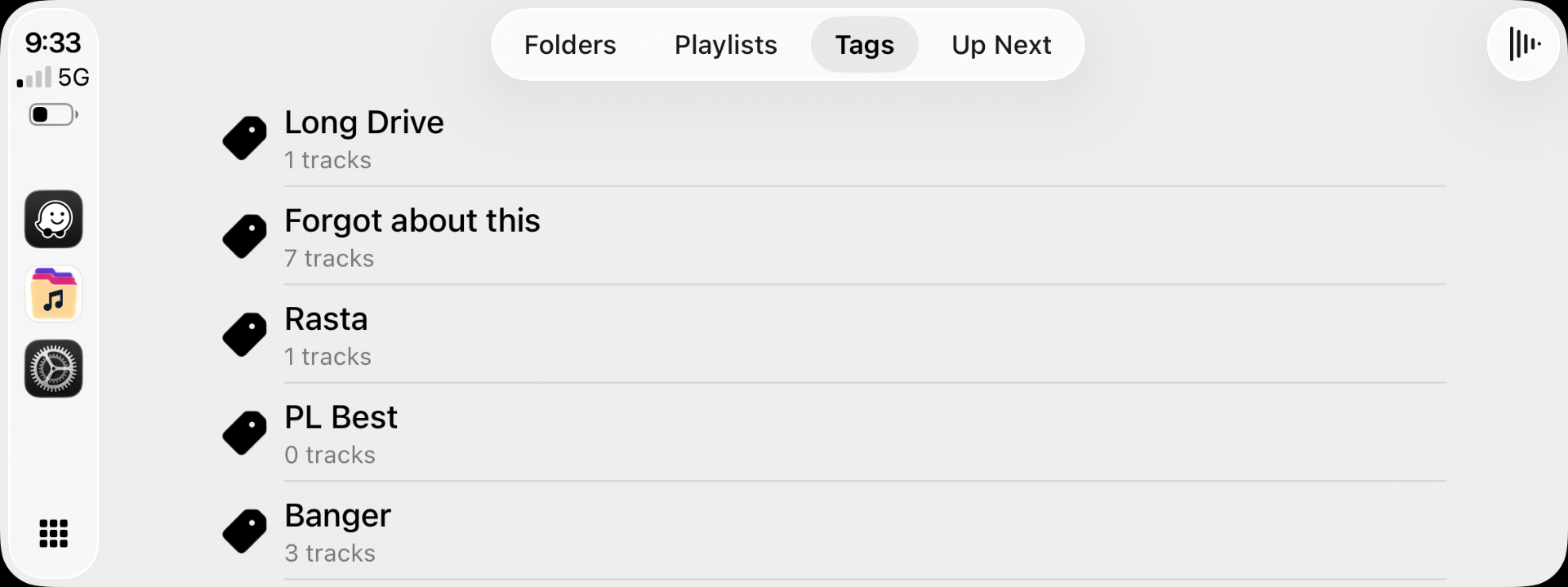
Folders, Playlists, Tags, and Up Next tabs — with search under Folders.
Introduction
Browse your library safely in the car. Stow uses Apple's standard CarPlay templates — four tabs, big touch targets, letter-based search.
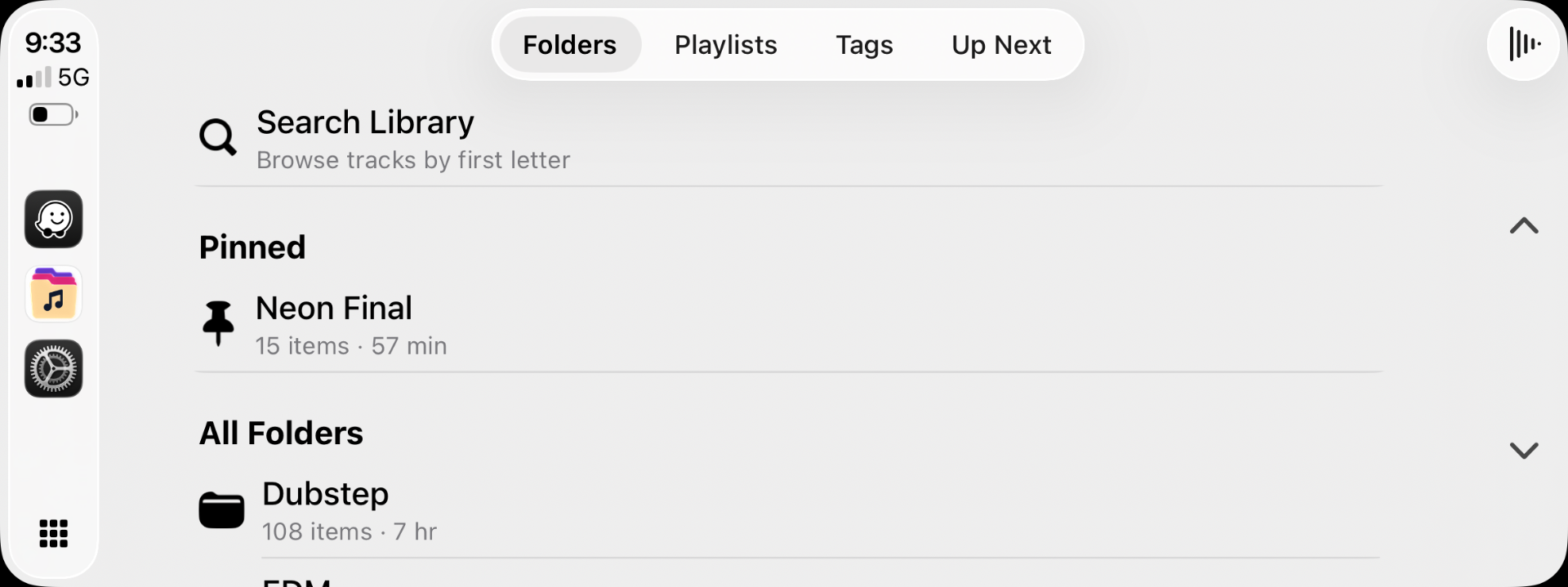
Tabs
| Tab | What's there |
|---|---|
| Folders | Top-level folders → drill into subfolders |
| Playlists | Manual and tag playlists |
| Tags | Browse by tag |
| Up Next | Current queue |
Search
- Open Search from the Folders tab.
- Browse by letter groups (A–F, G–L, …) designed for in-car use.
- Search titles, artists, albums, folder paths, and filenames.
Tips
- Large folders show the first 100 tracks in CarPlay — use iPhone for huge lists.
- Stow's iPhone themes don't apply in CarPlay — Apple controls in-car appearance.