

CarPlay
CarPlay playback
Play, skip, and scrub from the dashboard while Stow runs on your iPhone.
Introduction
What plays on iPhone plays in the car — same engine, same queue, same position.
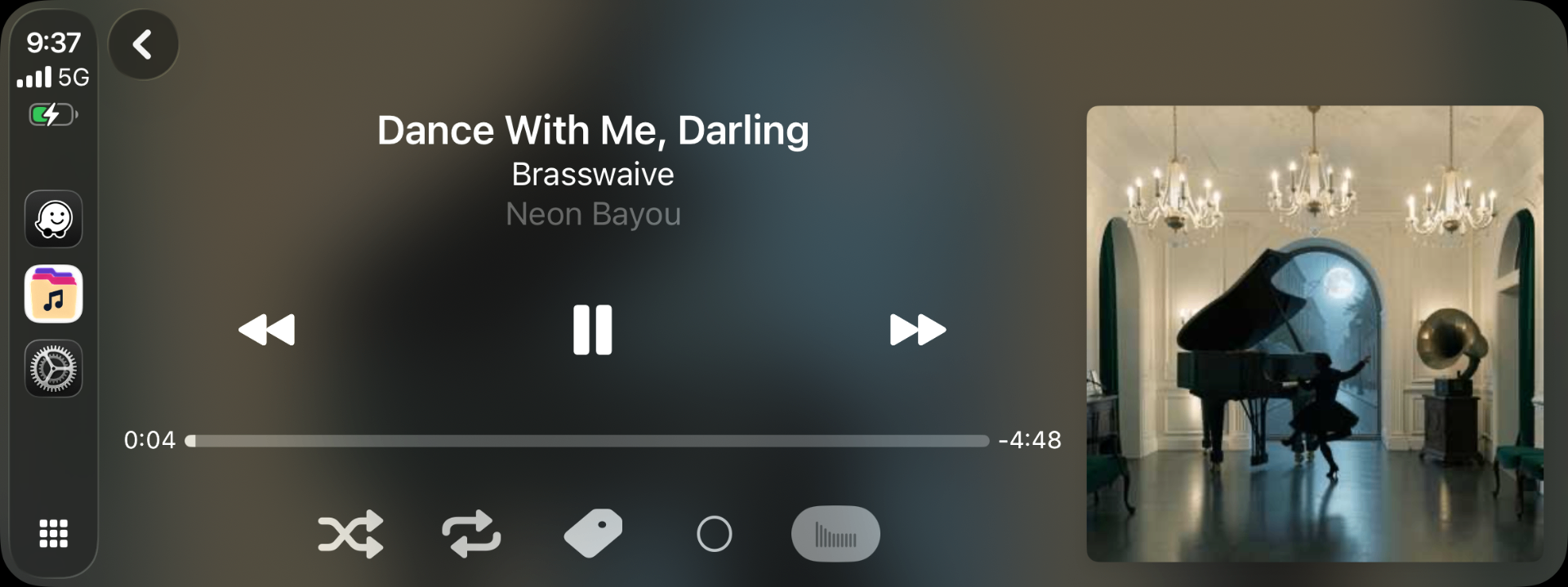
Steps
- Connect iPhone to CarPlay (USB or wireless).
- Open Stow on the car display.
- Browse and tap a folder, playlist, or track.
- Now Playing appears with standard transport controls.
Tips
- Connecting mid-track continues playback — no restart.
- Skip, pause, and shuffle from the wheel or CarPlay screen stay in sync with your phone.