

Library Organization
Folders
Browse your library the way it's structured on disk.
Introduction
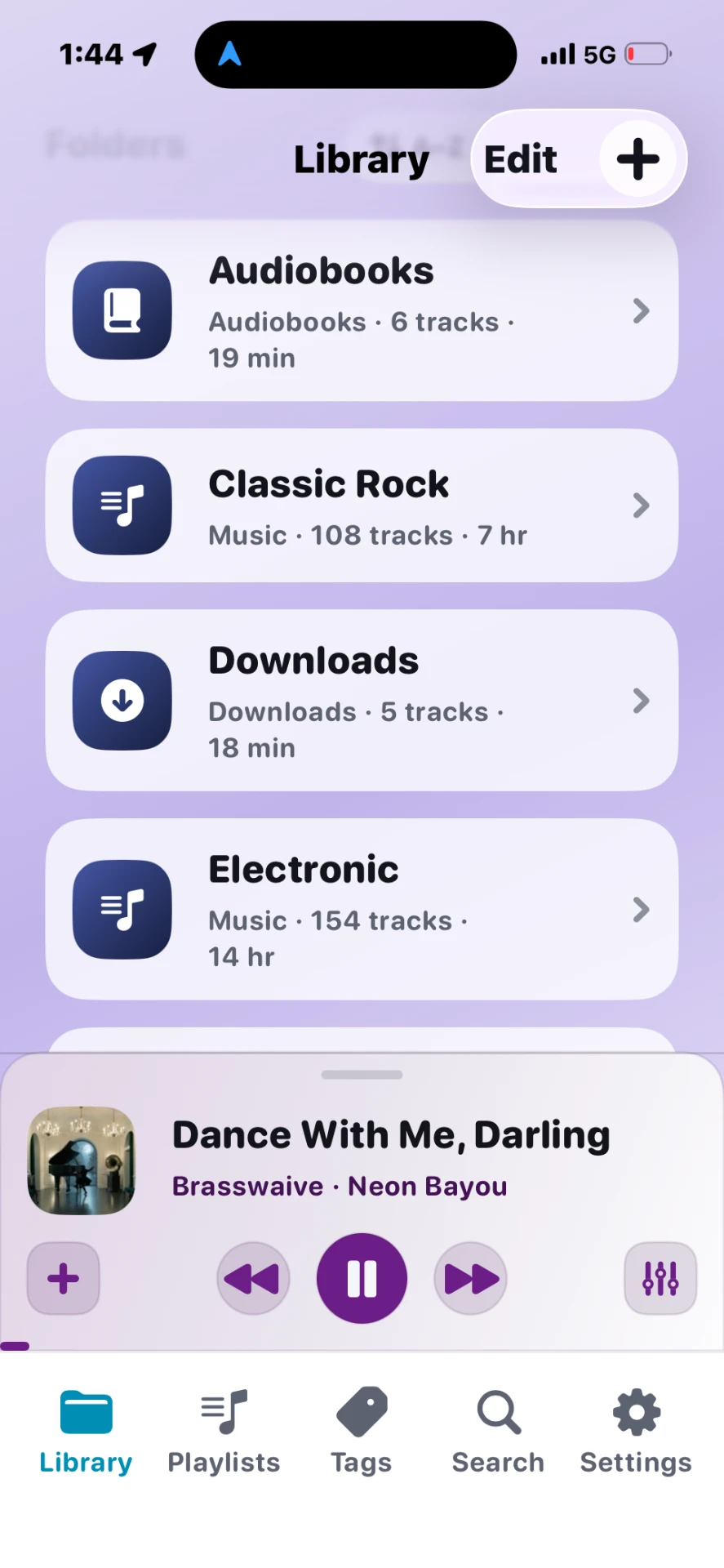
Folders are Stow's foundation — the same nested structure you use on a computer, now browsable on iPhone.
Steps
- Open Library → tap a folder to drill in.
- Play or Shuffle from the folder header.
- Pin frequently used folders to Library home (long-press → Pin).
- Move to folder from track actions to reorganize.
Tips
- Folders with track numbers in filenames sort by track number automatically; otherwise alphabetical by title.
- Subfolders appear inside parent folders — imports preserve depth.
- Very large folders show the first 100 tracks in CarPlay — use iPhone for the full list.